

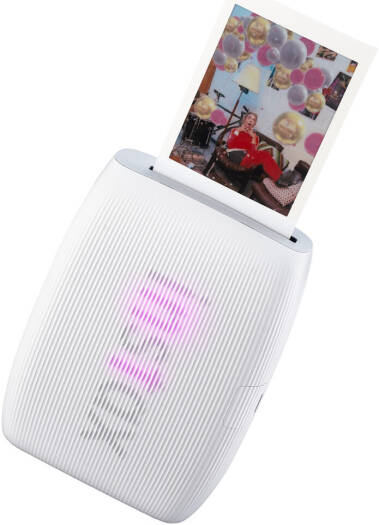
Fujifilm Instax Mini Link 3 Smartphone Printer
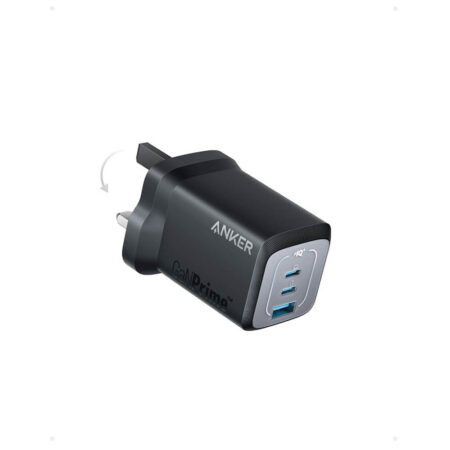
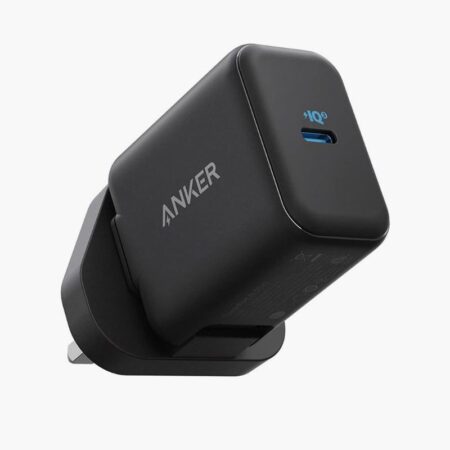
KSh 17,000
In StockInstax Mini Link 3
- Compact and Lightweight: Easy to carry and ideal for printing on the go.
- Bluetooth 5.1 Connectivity: Connects seamlessly to iOS or Android smartphones.
- Prints 2 x 3″ Photos: Instantly print photos directly from your smartphone.
- Add 3D AR Effects via INSTAX AiR Studio: Enhance prints with fun augmented reality effects.
- Customizable Prints: Add text, frames, filters, and stickers to your photos.
- Print Photos from Videos: Capture moments from videos and print them as still images.
Description
Instax Mini Link 3 – Bring Fun To Life

The instax mini Link 3 Smartphone printer lets you transform your everyday moments into colorful instax mini instant photos. Download of free instax mini Link App required. Connects wirelessly via Bluetooth to your Smartphone. Requires instax mini instant film (sold separately)
 Simple PrintThe instax mini Link 3 Smartphone printer helps you print images on your Smartphone roll. Requires instax mini instant film (sold separately).
Frame Print
Add a frame, a sticker, emoji, or text with the Frame Print App feature! It’s sure to bring even more fun to your everyday.

Video Print
With the free instax mini Link App, pick your favorite moment from a video on your Smartphone, then hit print and print an instax mini photo.

Reprint
Love an image you just printed, turn it upside down, press & hold the power button for 1 second and another copy of your last printed image will print

Click to Collage – Create the ultimate in-App photobooth experience!
The Click to Collage App feature captures a series of six images at three second intervals. You can then choose two, four or six fun-tastic images to print as a collage on your instax mini instant photo, before all six images are turned into an animation (perfect for sharing on social).
instax AiR Studio
With the instax AiR Studio App feature, add ‘in-the-moment’ 3D AR effects before taking photos with your Smartphone. Then save up to 20 of your image creations in the App to print later or capture a video of the action to share another. Download the free instax mini Link App to access the instax AiR Studio App feature. When using this App feature, scan the floor with your Smartphone to define your exclusive photography space, then choose a background and a bit of décor!


Collage Print
Collage Print App feature lets you print a single instax mini instant photo! That’s right, one ultimate photo that combines all your favorite moments

Remote Shooting
Using the instax Camera feature & App, position your Smartphone, get everyone into the frame and take the shot remotely by pressing the power button.

Design Focus
instax mini Link 3 Smartphone printer features 3 beautiful LED lights on the front. Pulses different colors depending on functionality of the printer.

Powered Up
With a USB Type C port, getting charged up is quick & easy, letting you print instax mini instant photos on-the-go whenever the moment strikes.
Related products
-
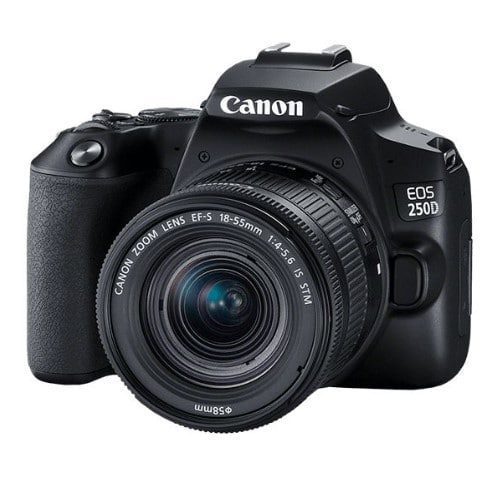
- 24.1MP APS-C CMOS Sensor
- DIGIC 8 Image Processor
- 3.0″ 1.04m-Dot Vari-Angle Touchscreen
- UHD 4K24p Video and 4K Time-Lapse Movie
- 9-Point AF System; Dual Pixel CMOS AF
- ISO 100-25600, Up to 5 fps Shooting
- Built-In Wi-Fi and Bluetooth
- EF-S 18-55mm f/4-5.6 IS STM Lens
KSh 78,000 -

 KSh 335,000
 -
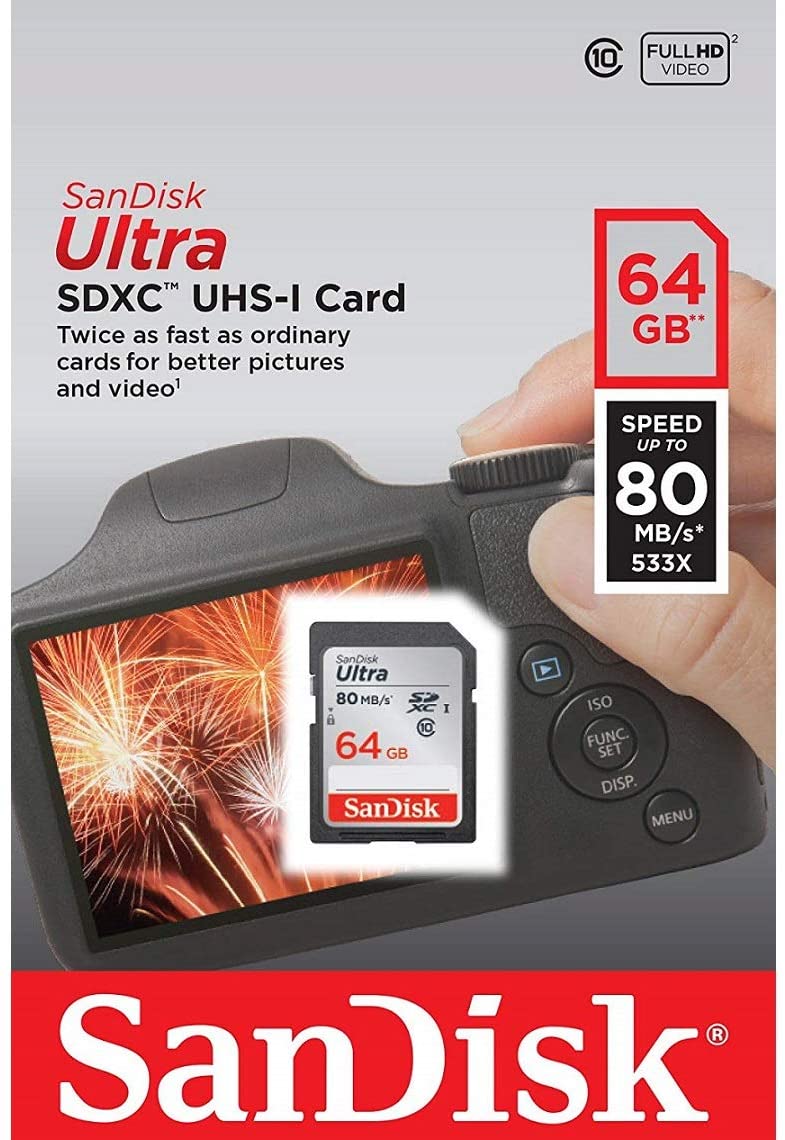
- Great for Compact to midrange Point and Shoot digital Cameras and camcorders
- Twice As Fast As Ordinary SDHC Cards, Allowing You To Take Pictures And Transfer Files Quickly
- Exceptional video recording performance with class 10 rating for Full HD video (1080p); Compatibility : SDHC I/SDXC I devices
- Quick transfer speeds up to 80MB/s and WaterProof, temperature Proof, X ray Proof, magnet Proof, shockProof
KSh 2,200 -
 KSh 275,000
 -

Type
Digital, AF/AE single-lens reflex camera with built-in flashRecording Media
SD, SDHC and SDXC Memory CardsSD speed class compatibility.
UHS speed class compatibility.
High-speed writing is supported when a UHS-I compatible SD card is used.
Compatible with Eye-Fi Cards.
Multimedia cards (MMC) cannot be used (card error will be displayed).Image Format
Approx. 22.5mm x 15.0mm (APS-C)Compatible Lenses
Canon EF Lenses (including EF-S lenses, excluding EF-M lenses)Lens Mount
Canon EF MountKSh 115,000 -
KSh 249,500


Reviews
There are no reviews yet.